

Up to 24-bit/192 kHz from supported sources


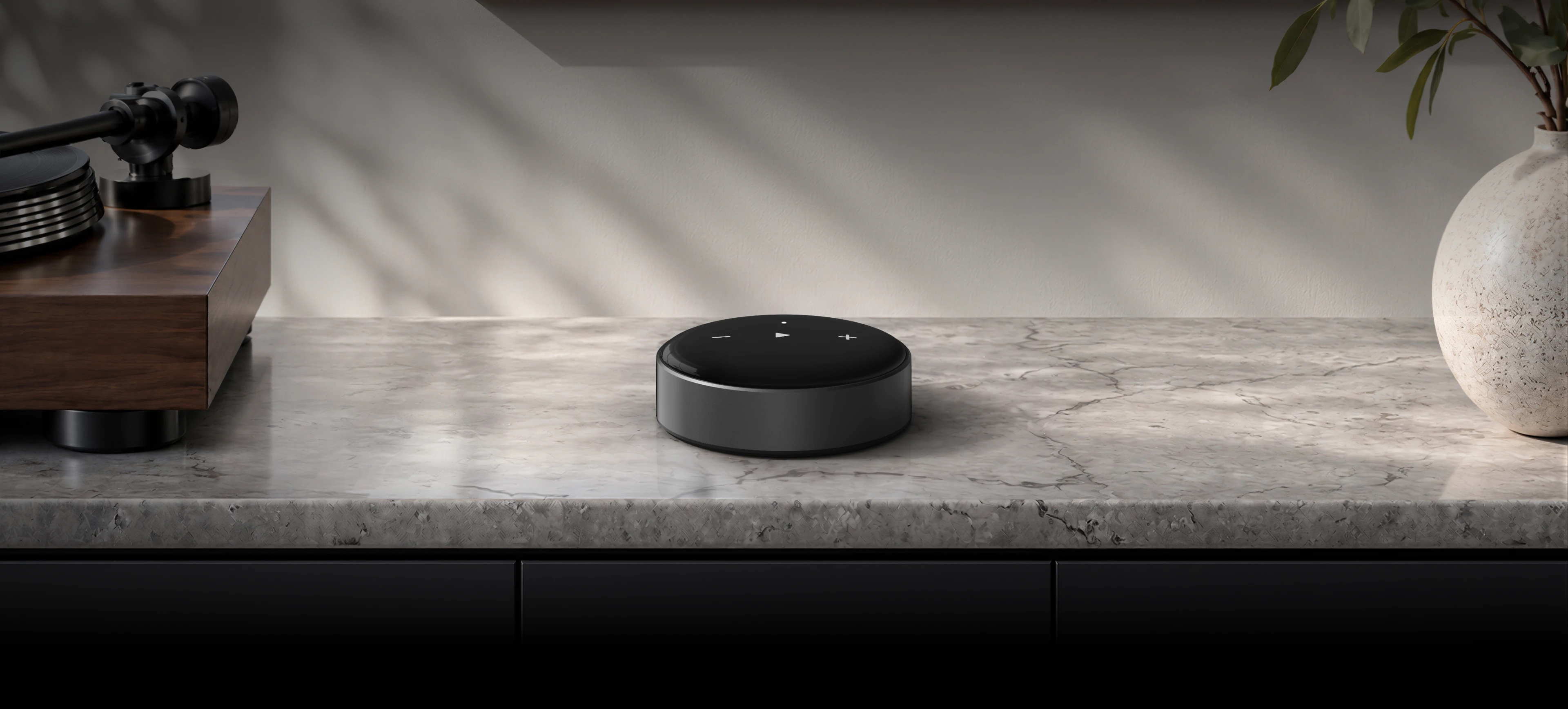
 Mini
Make Your Audio Smart


 AirPlay 2
 Spotify Connect
 TIDAL Connect
 Alexa Cast
WiiM Mini is a streamer, not an amplifier. Connect it to powered speakers or to an amplifier/receiver for passive speakers.
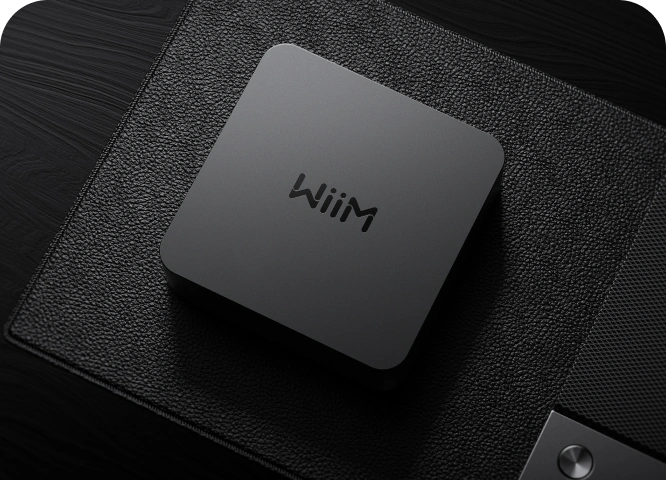
WiiM Mini gives you a simple path to better sound. Bring premium streaming, AirPlay 2, and advanced sound tuning to the amplifier or powered speakers you already love—with a built-in TI DAC, so you can enjoy high-quality analog output without adding another box.
Up to 24-bit/192 kHz from supported sources

106 dB SNR, -92 dB THD+N analog Aux-out

RoomFit™ + 10-band Graphic EQ and Parametric EQ
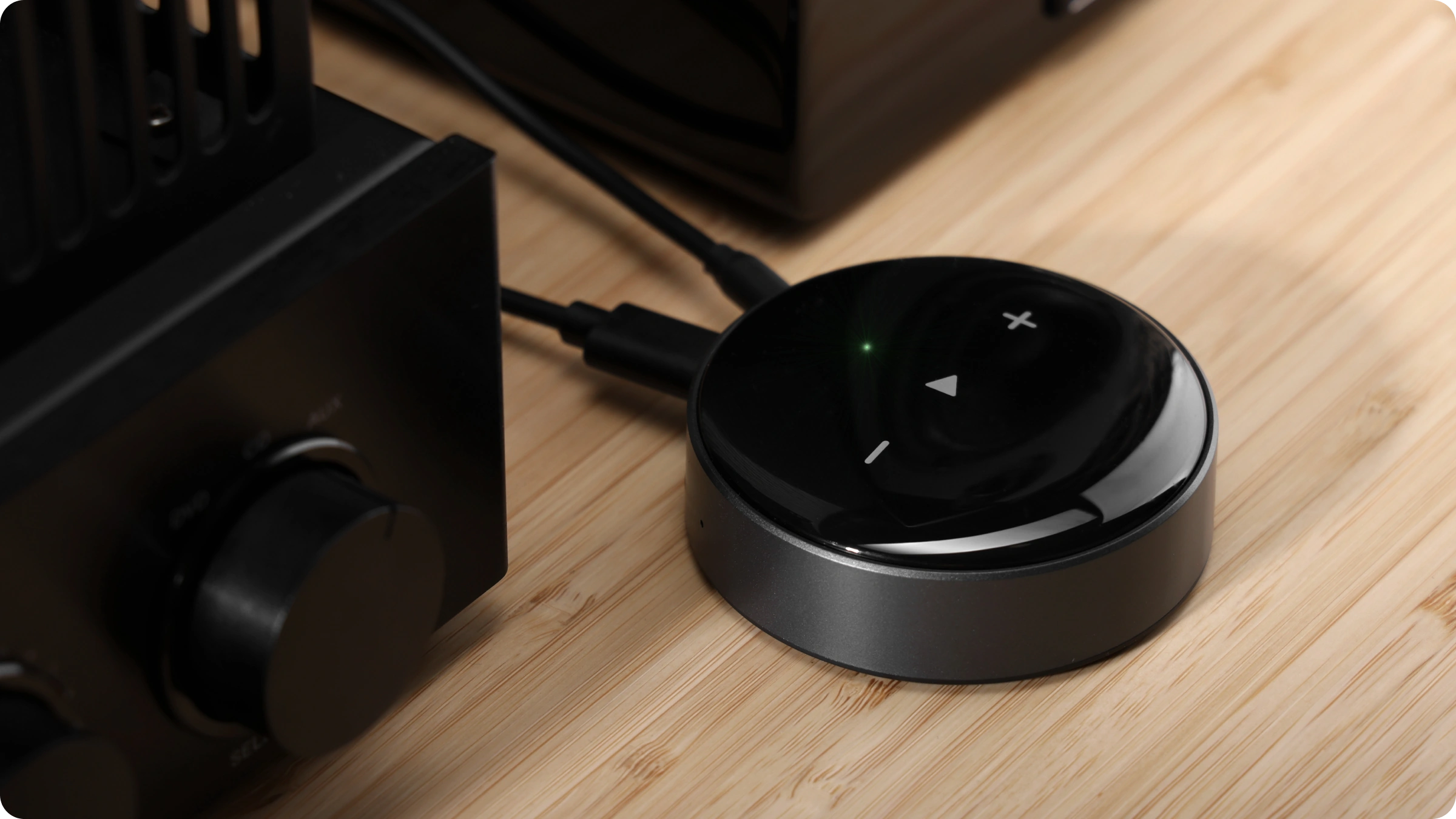
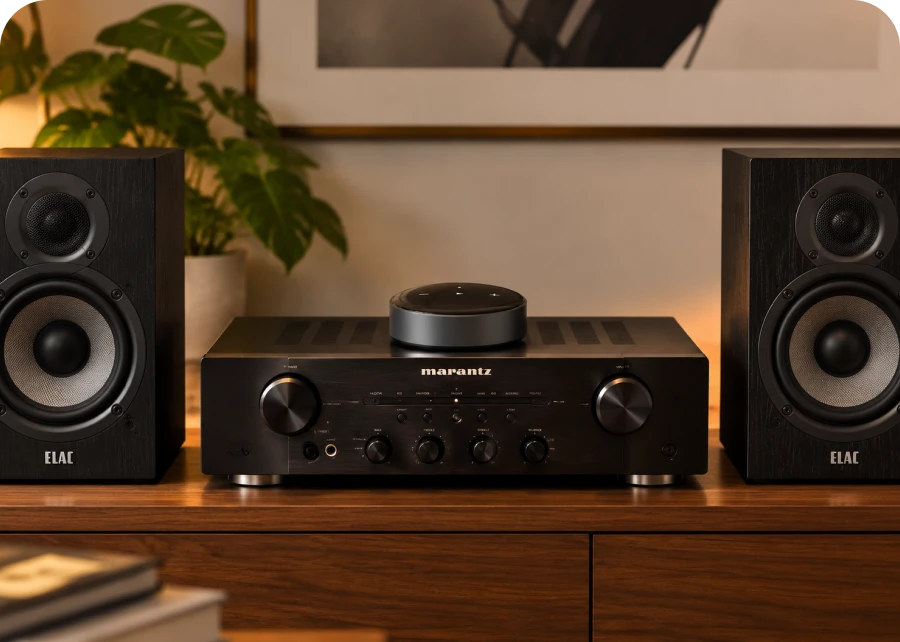
WiiM Mini fits into the system you already built. Connect it directly to an integrated amplifier, receiver, or powered speakers through Aux output or send bit-perfect digital audio to your favorite DAC through optical output. Your speakers stay. Your amplifier stays. The way you listen gets dramatically easier.
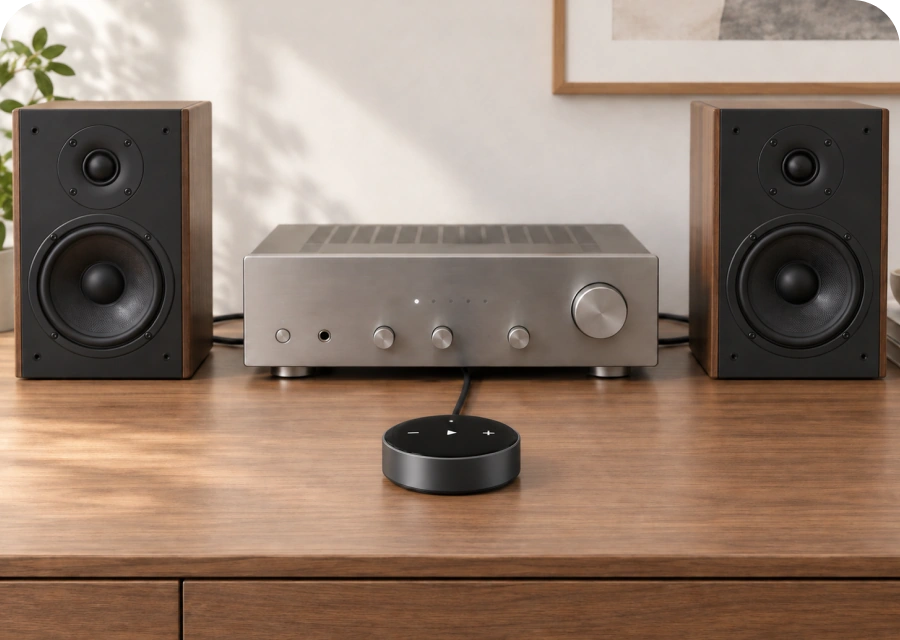
Bring streaming to your existing stereo. Keep your amplifier and speakers.
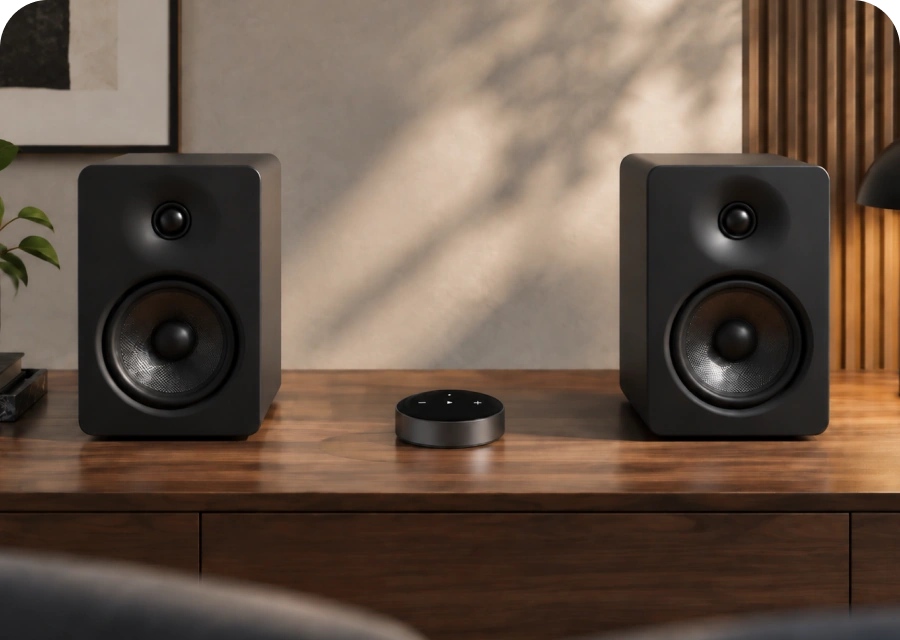
Add streaming to powered speakers with RCA line inputs. No separate amplifier needed.
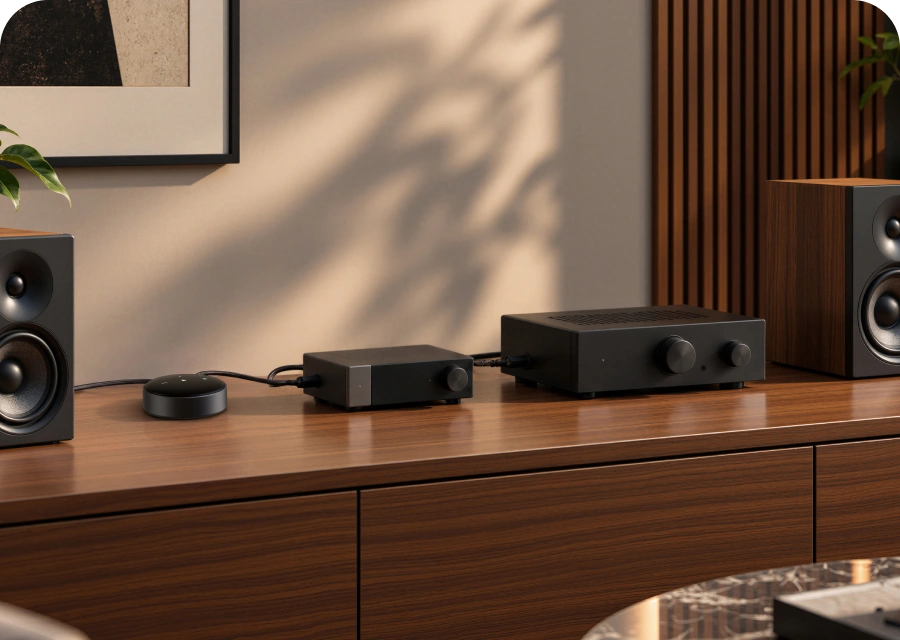
Bring network streaming to your favorite DAC through optical output.
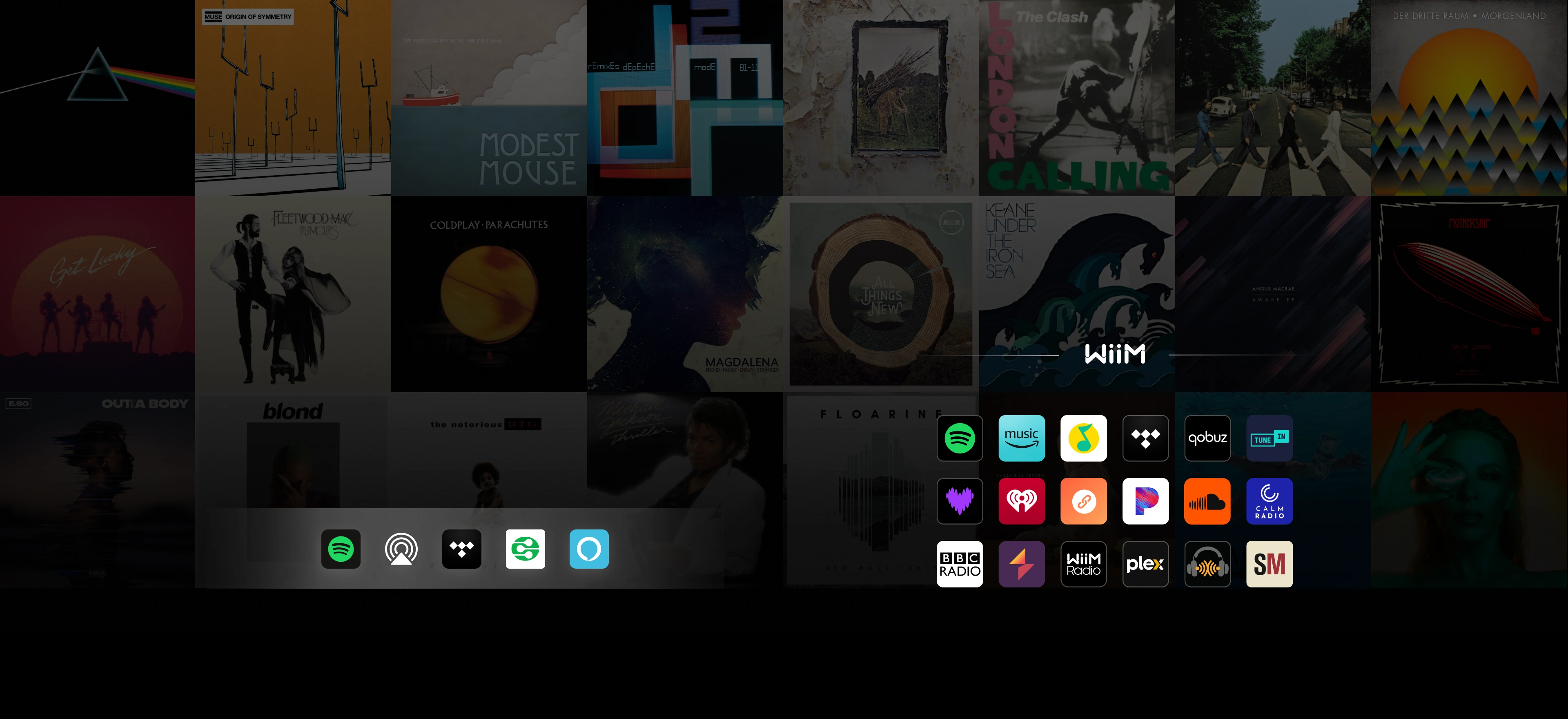
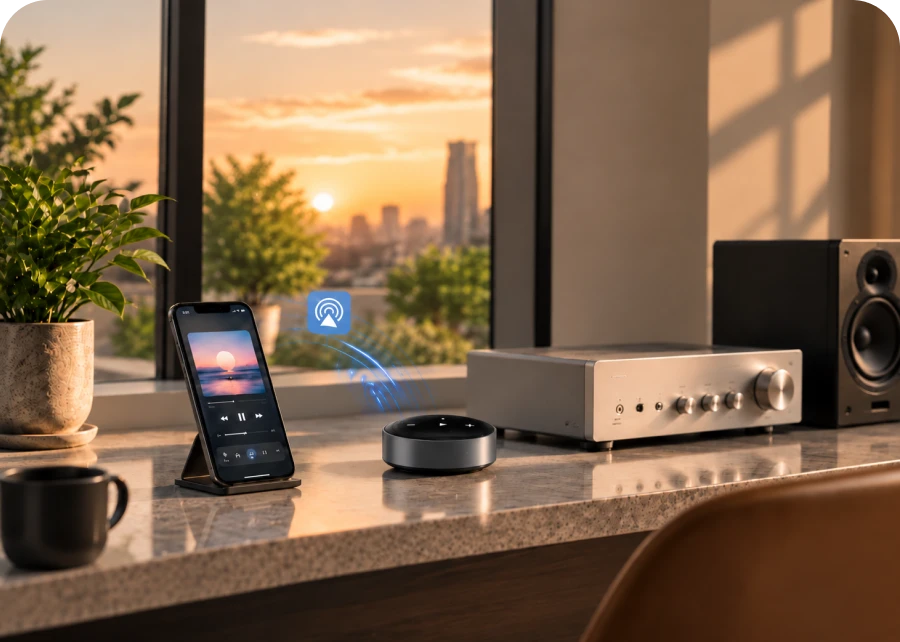
Stream with AirPlay 2, Alexa Cast, Spotify Connect, TIDAL Connect, and DLNA. Play directly from your favorite app, or manage everything from WiiM Home.
Service availability and supported audio quality vary by service, plan, region, source, and output.
WiiM Mini works as a capable digital transport and as a direct analog source. Feed an external DAC, receiver, or amplifier through optical, or connect its Aux output straight to your system.
Pair wirelessly with its ultimate partner, WiiM Sub Pro, for effortless integration and smart tuning—delivering a unified, breathtaking soundstage.
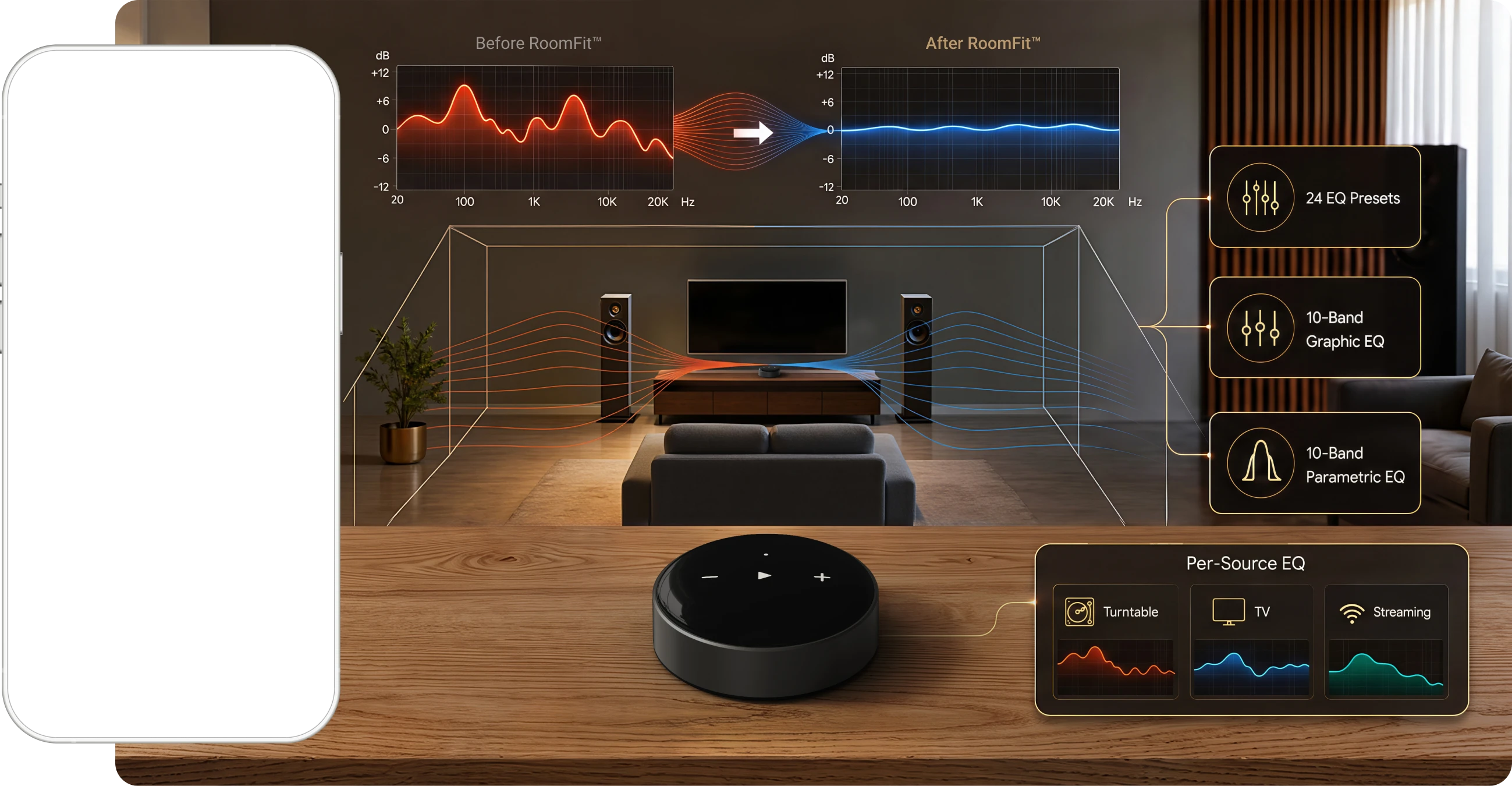
RoomFit™ room correction helps adapt playback to the acoustic behavior of your space. Start with one of 24 EQ presets, adjust a 10-band Graphic EQ, or use the 10-band Parametric EQ for more precise control. Per-source EQ lets a turntable, TV, and streaming service keep their own tuning.
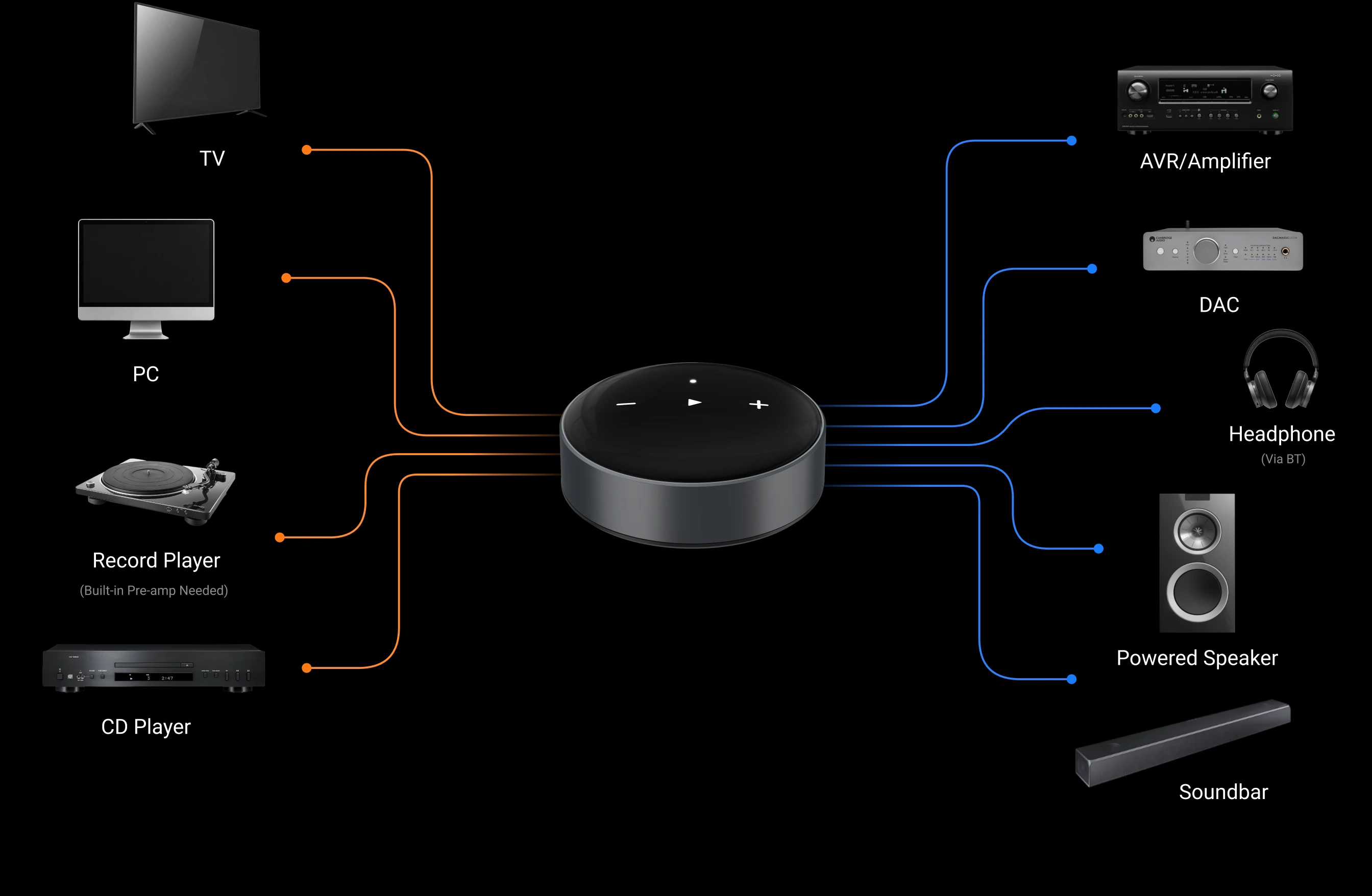
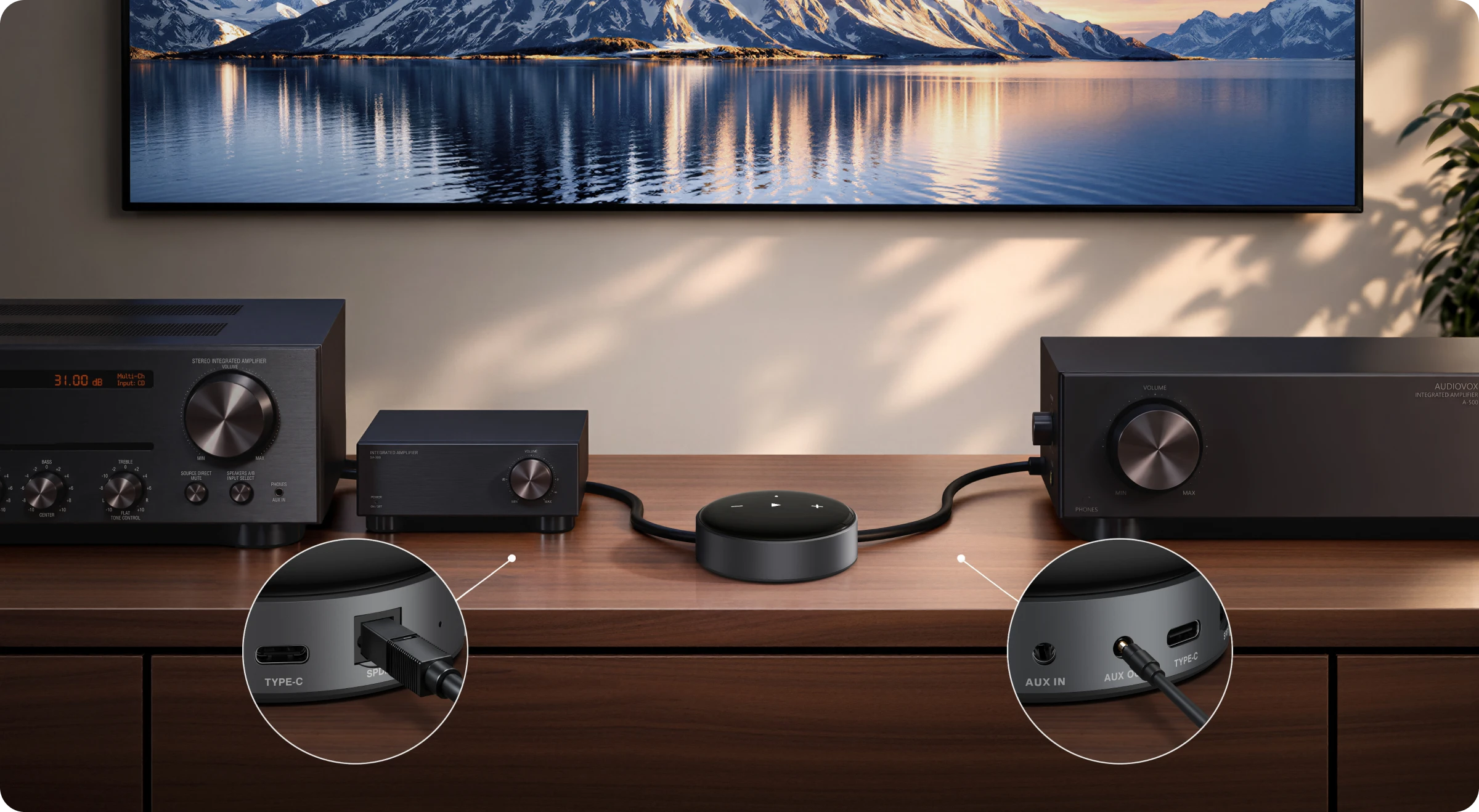
WiiM Mini includes an Aux input as well as Aux and Optical outputs, so it can connect both the sources you already use and the system you listen through.
Connect an analog source through Aux In, then play it across a group made entirely of WiiM devices. Auto-sensing can switch to Aux In when a signal is detected.
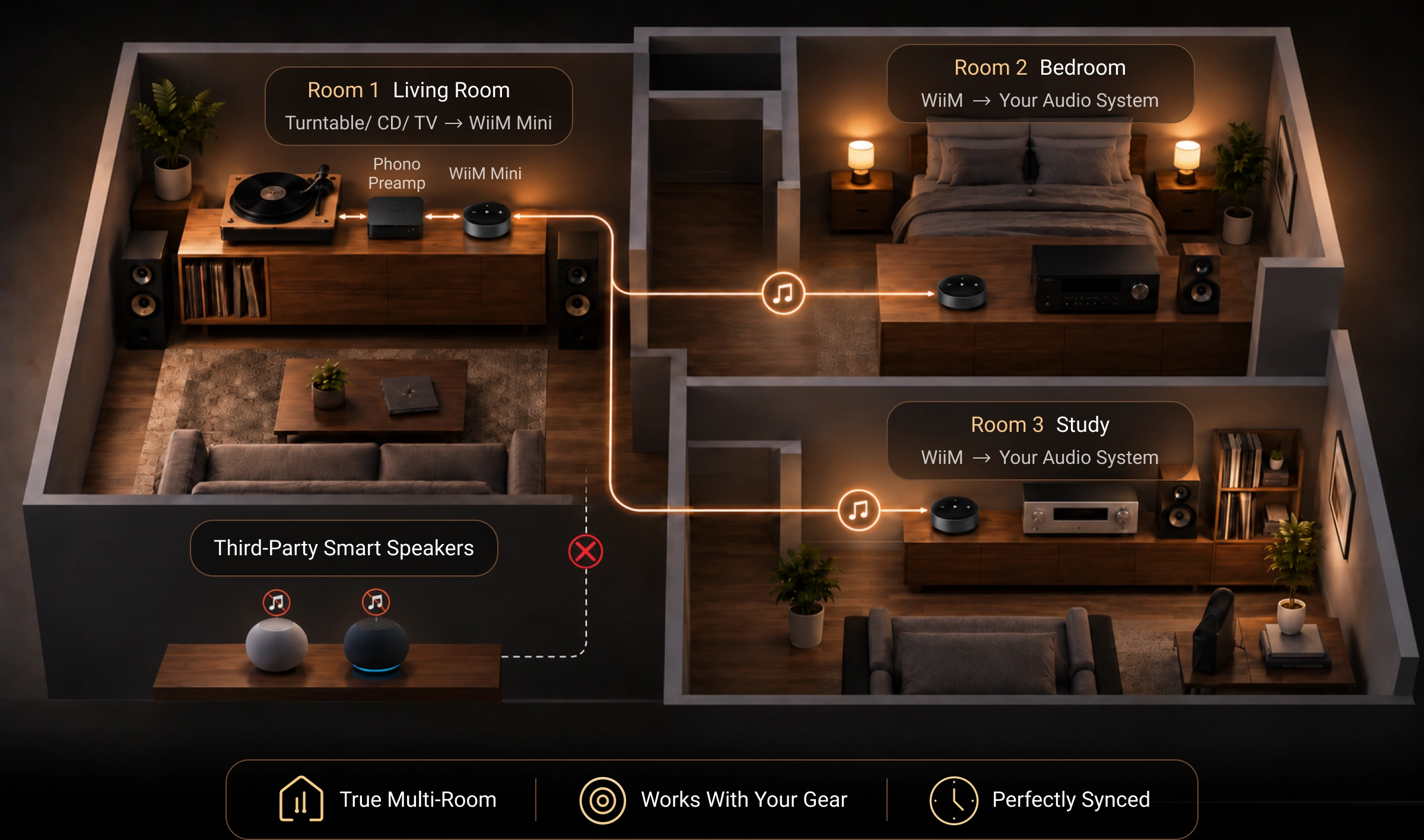
WiiM Mini receives playback through AirPlay 2 and Alexa Cast. Aux and Bluetooth inputs cannot be forwarded to HomePods or Echo speakers in those ecosystems. Use a WiiM-only group to share Aux and Bluetooth inputs.
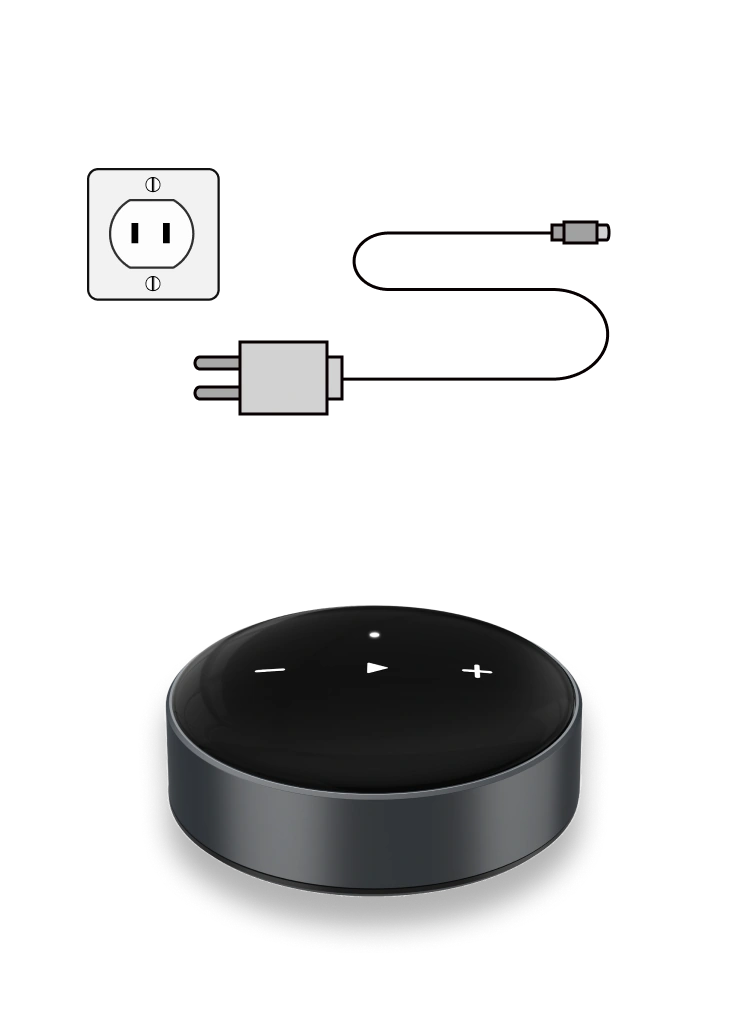
Connect WiiM Mini to your stereo system and power source. Wait 30 seconds for it to boot up.
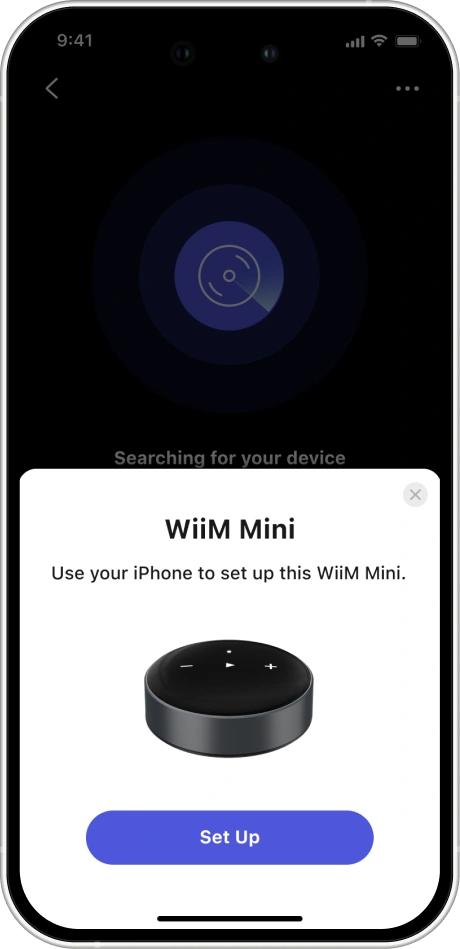
Open the WiiM Home app and follow the prompts to set up WiiM Mini (e.g., Wi-Fi connection, firmware update, and audio settings).
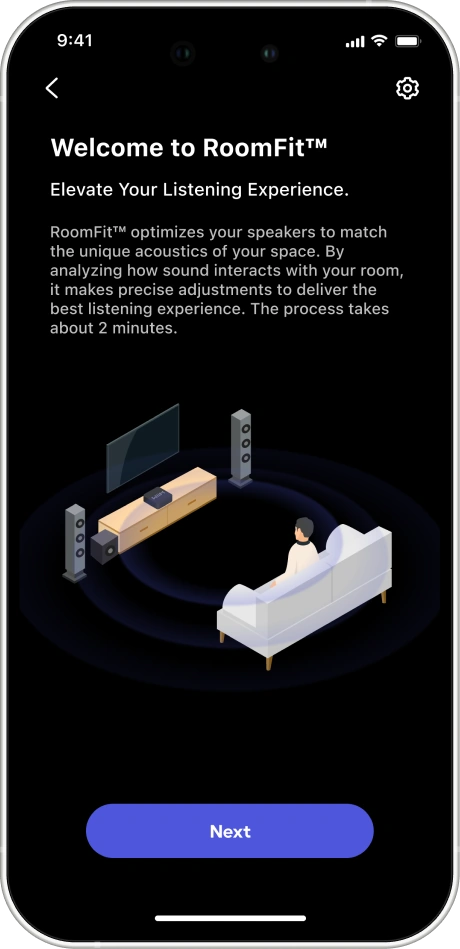
Run RoomFit™ in the app to automatically optimize the sound for your room.
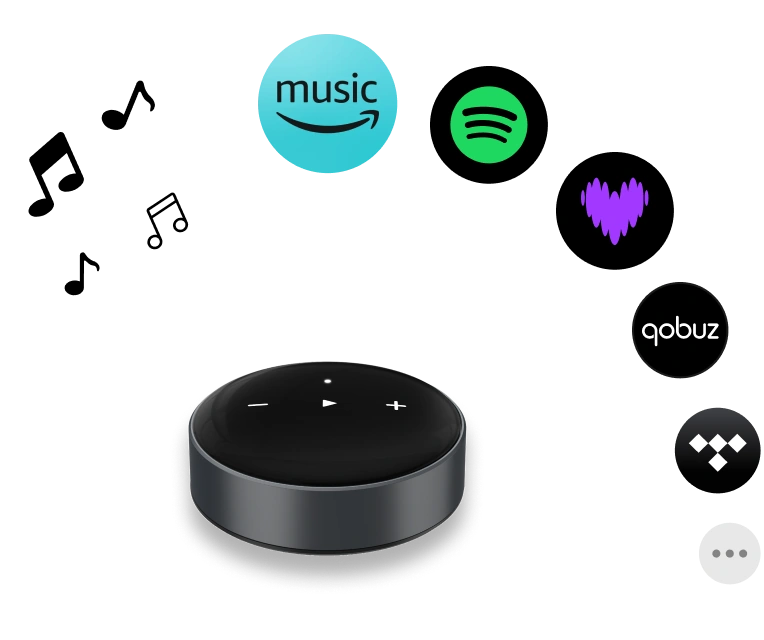
Stream from your favorite music service or a physical audio source, and enjoy Hi-Res audio.
If the app cannot find Mini , confirm that your phone and WiiM are on the same network. Then update the app and restart WiiM, your router, and your phone before re-running setup.
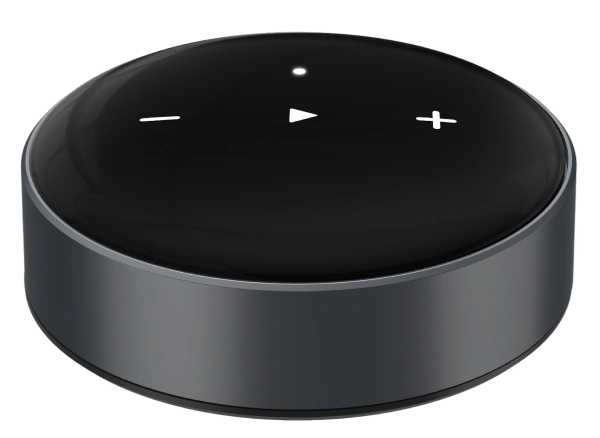
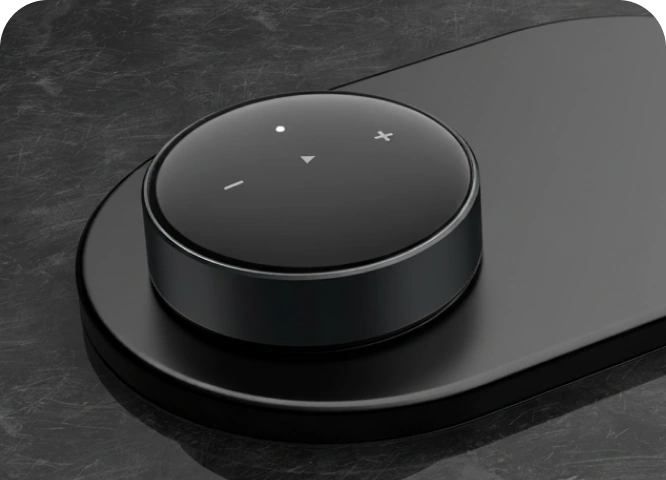
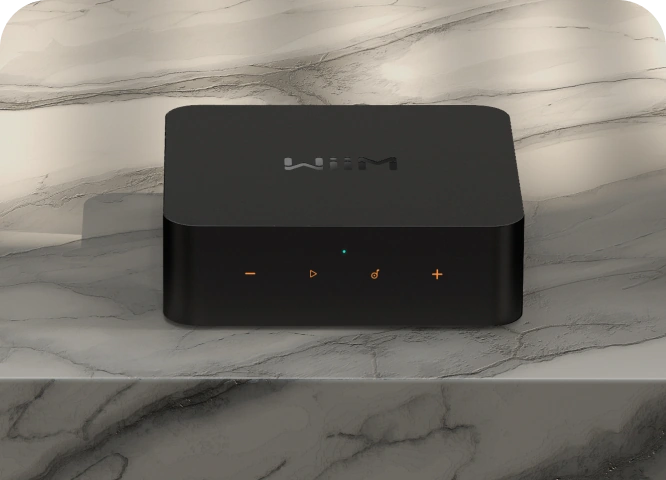
Use WiiM Home for system control, supported music apps for direct playback, or voice through a compatible Siri, Alexa, device. Top-panel controls keep play/pause, volume, close at hand. Add the optional WiiM Voice Remote when you want tactile control away from your phone.
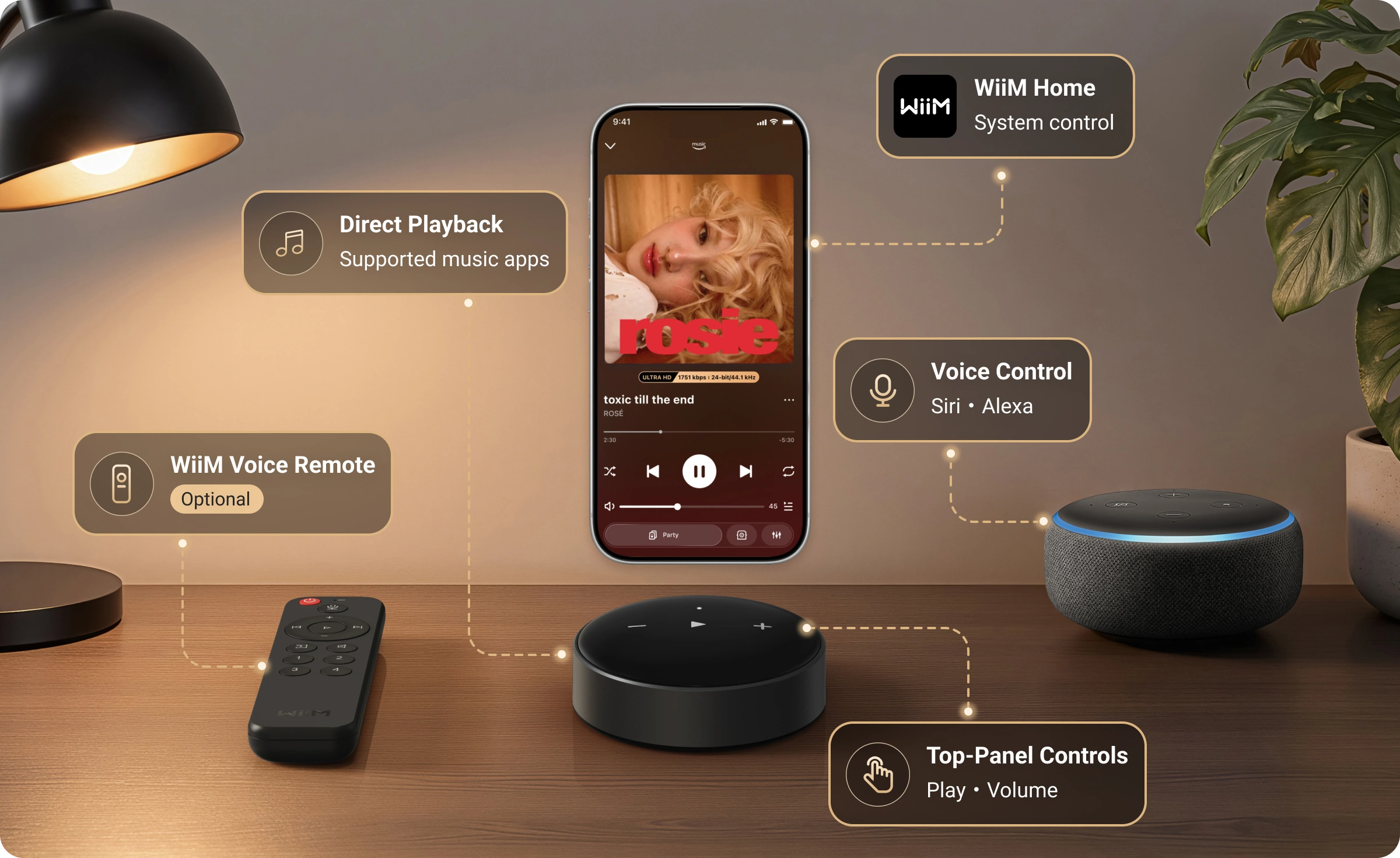
The optional voice remote is not included in the WiiM Mini package.
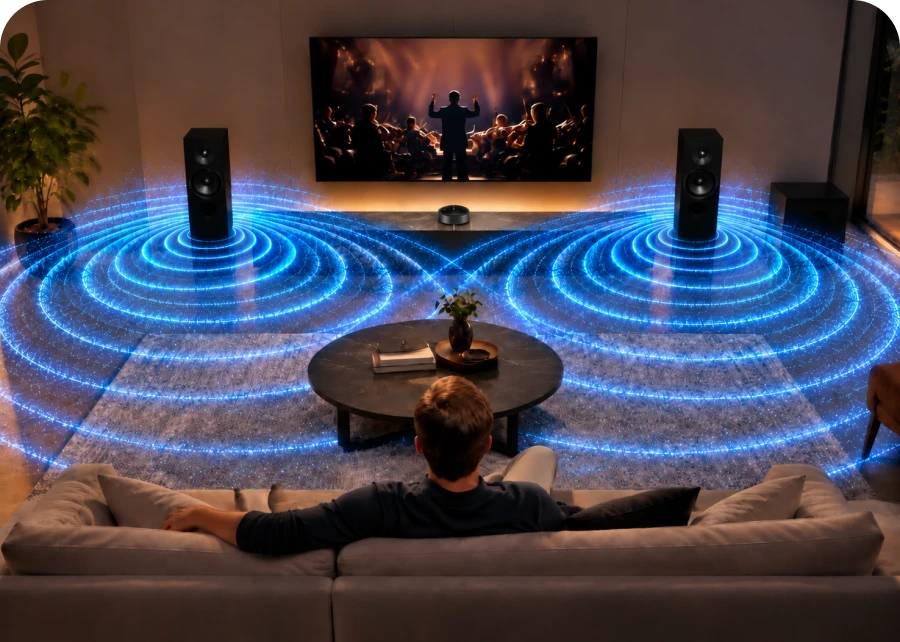
Group WiiM devices for synchronized playback, create a stereo pair with compatible setups, or play something different in every room. WiiM multi-room can share streaming services, Bluetooth input, and Aux In across WiiM devices.
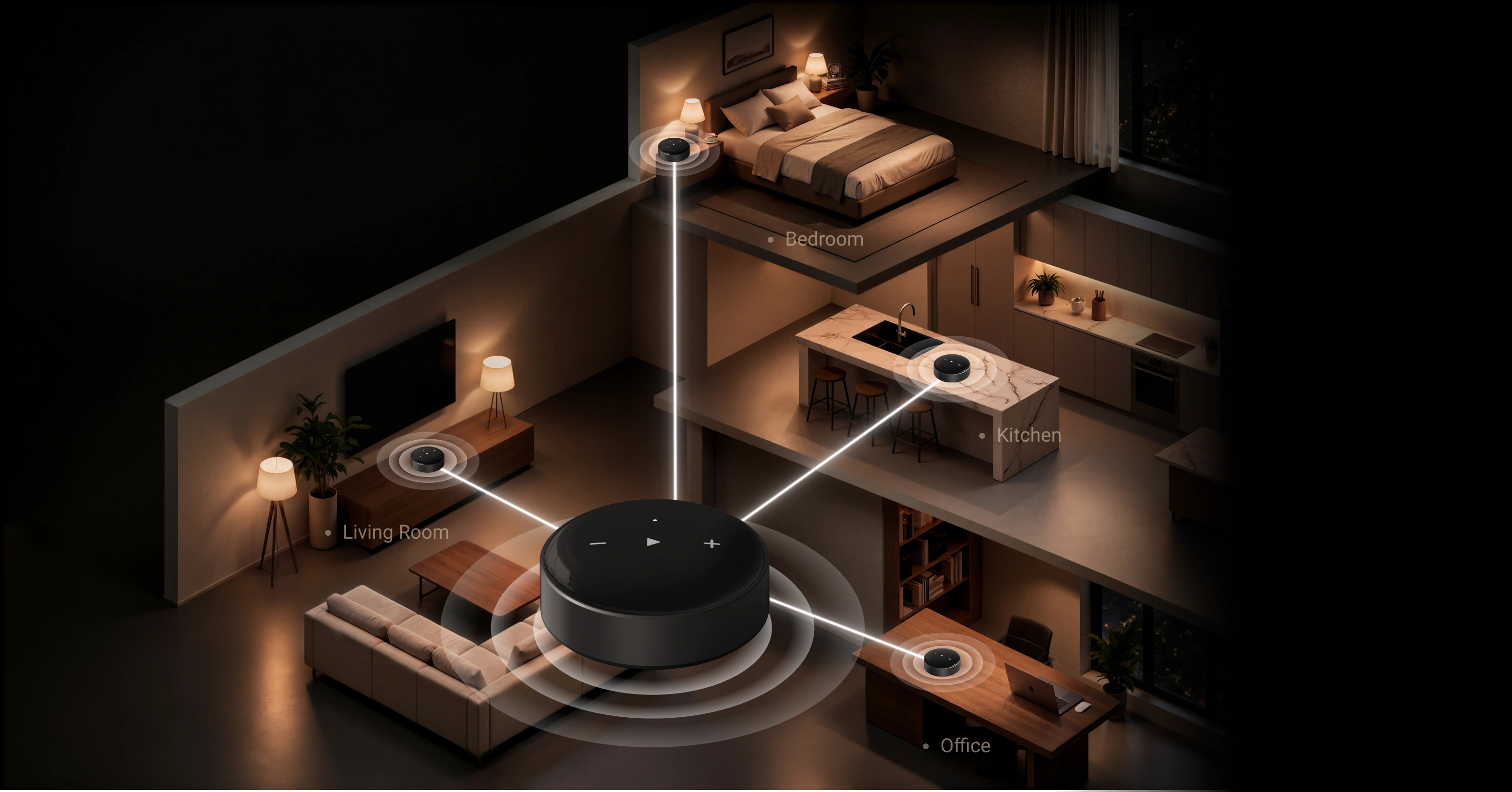
 Multi-Room Audio
 Easy Whole-Home Listening
 Perfectly In Sync
AirPlay 2 and Alexa multi-room groups can combine compatible devices for network-based streams; their capabilities and setup are controlled by those ecosystems.
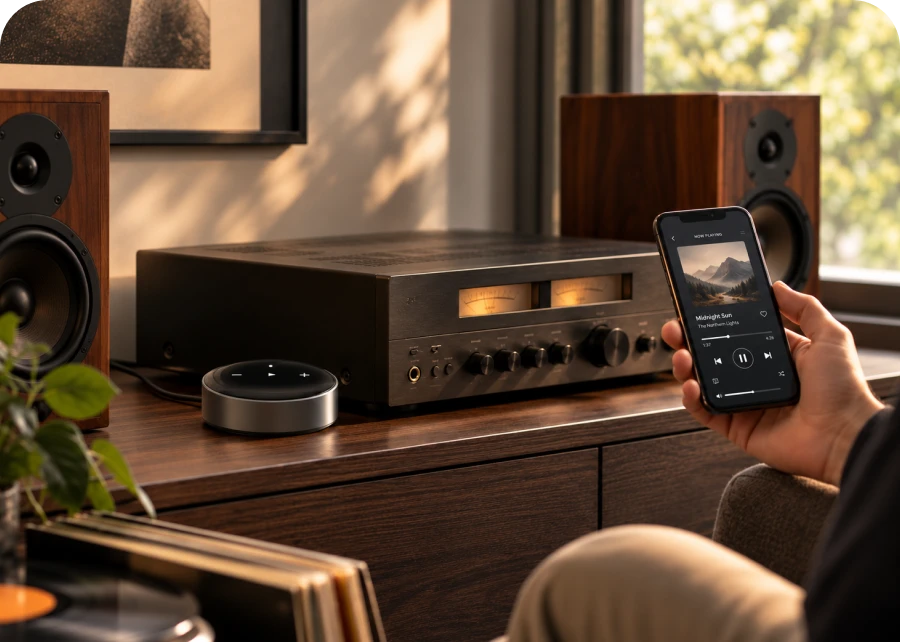
"I hooked this up to my vintage NAD system and it works well...The set up was easy and integrates well with my Android phone."- Modular Man
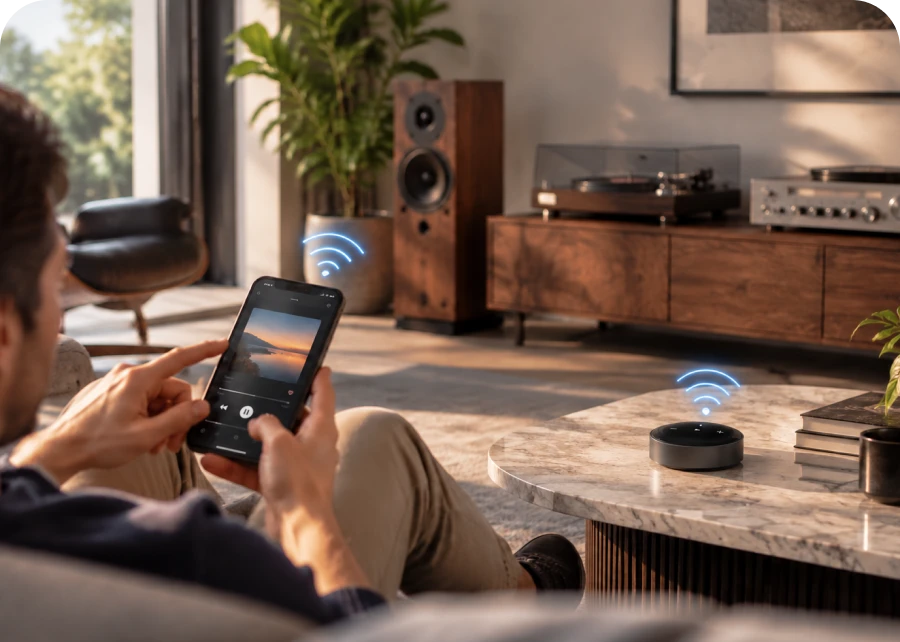
"The Wi‑Fi connection is more stable, delivers higher sound quality, and is easier to use once it’s set up."- Trimon
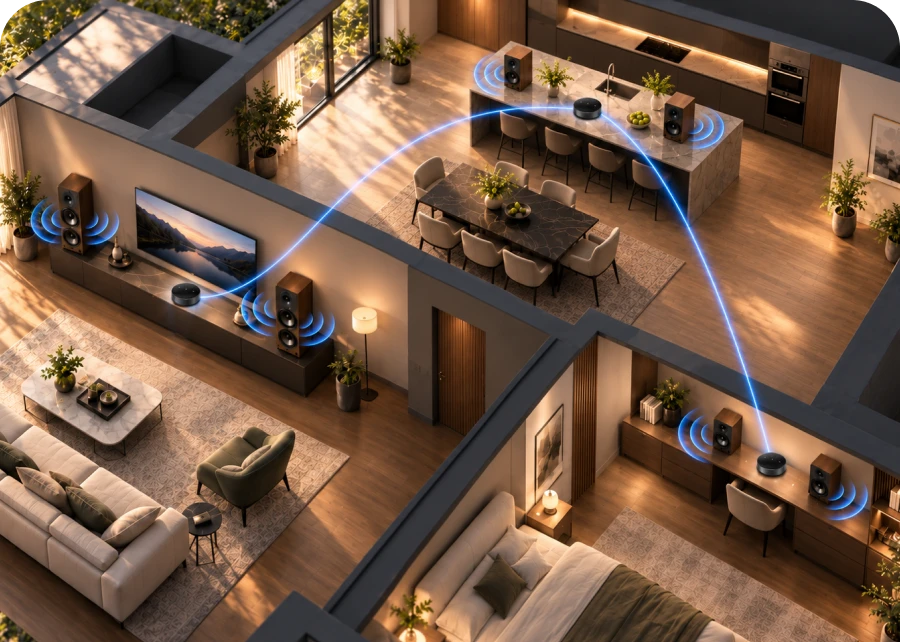
"I have 3 around the house hooked up to hi fi systems. I can play anything anywhere, with sound synchronized between multiple rooms."- R. Pettengill
 Mini
Make Your Audio Smart
$9900






 button on your device until the LED is white and blinking.

 .
 and then select Combine Speakers.
 button to choose the device channel to "L/R/LR"
 .


 By Customer


